 web frames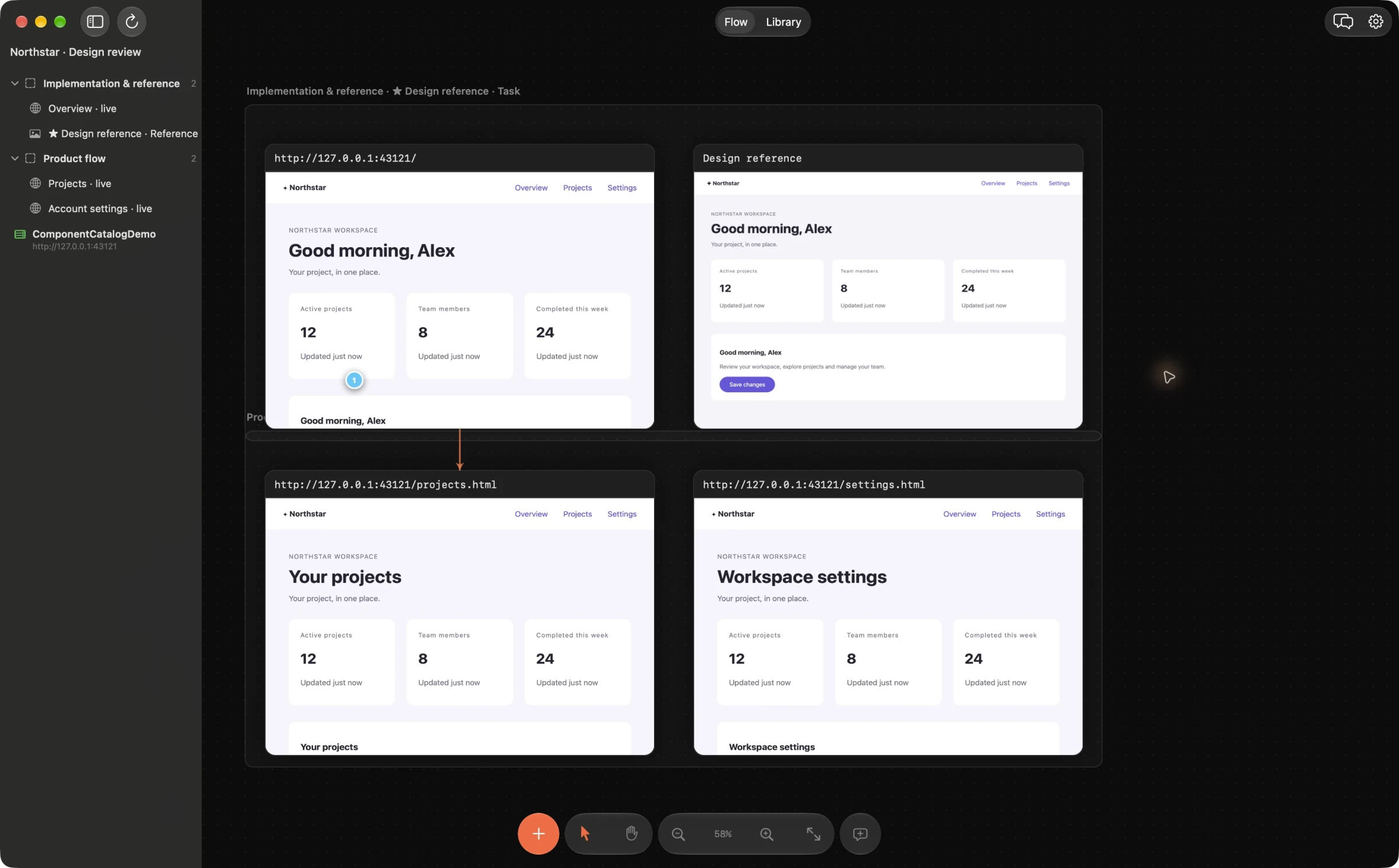
Choose one flow before collecting references
Pick a specific task and audience: for example, a new customer reaching their first useful result. Capture the same stages for your product and two or three competitors. Matching the user goal and device size makes the comparison more useful than collecting unrelated attractive screens.
Add public URLs when you need to interact with a page. Use screenshots when login, a transient state or a stable record matters. PDF pages can hold exported decks or specifications. Collect only material you are entitled to use; avoid private account information in evidence you plan to share with an agent.
Arrange the evidence in named sections
Create sections for Our product, Competitor A and Competitor B. In each, arrange the steps in the same order and give frames descriptive names such as “Choose a plan” and “First result”. Section names give your agent context alongside the screenshots.
Pin observations to the relevant area: “This explains the next step before asking for an email” is more actionable than “Make ours like this”. Keep what you observed separate from what you infer about conversion or user preference.
Ask for an evidence-based plan
Connect your coding agent through the local MCP setup wizard and ask it to read the board, section names, screenshots and comments. Request a comparison of the chosen flow, then a short plan with priorities, affected screens and acceptance criteria. Ask the agent to reference the supporting frames and flag assumptions.
This workflow uses existing canvas, section, comment and agent capabilities. Web Frames does not crawl competitors automatically, measure their conversion rates or provide a separate research-report generator. The agent writes the synthesis in your connected workflow.
Turn selected findings into implementation work
Review the plan before asking for changes. Choose a small improvement, attach the relevant local source project and leave implementation comments on your own frames. Use Fix, inspect the proposed patch and Apply only what you approve. Reload your UI and compare the result with the agreed intent.
Borrow a useful interaction principle rather than treating a competitor screenshot as a specification to copy. Preserve your product’s content, constraints and visual identity.
Example agent brief
Adapt the frame and section names to your board. Send this through your connected agent.
Read the onboarding sections and their comments. Compare the same user task across our product and the two competitors. Separate observations from hypotheses. Give five prioritized improvements with supporting frame names, affected screens and acceptance criteria. Do not edit source files.
Try this on your next review
Web Frames 1.1.9 runs on Apple Silicon Macs with macOS 15 or later.
Download Web Frames 1.1.9