 web frames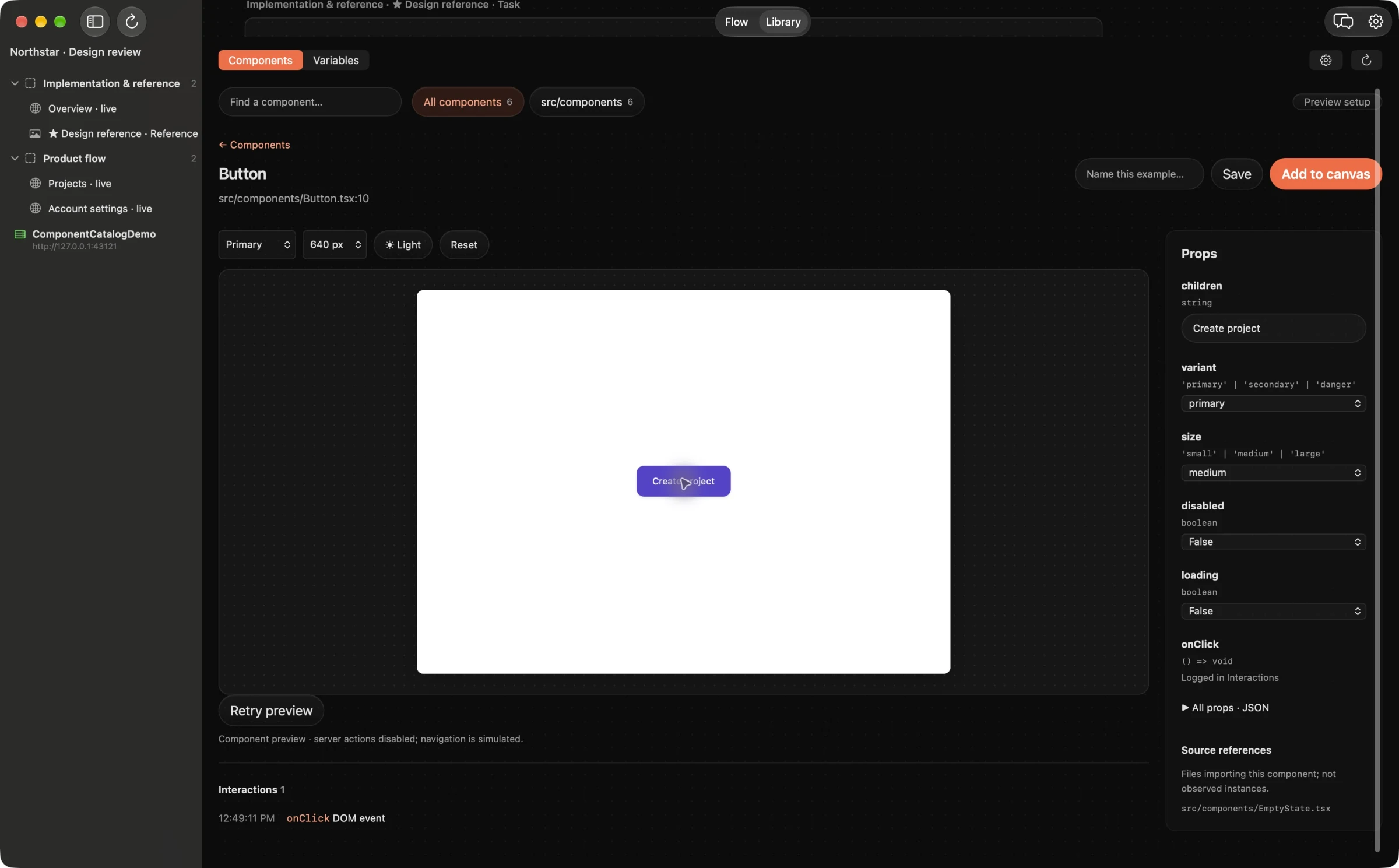
Choose tools by the job they complete
Start with the tools that already cover interface design, source editing and running the product. Add research and testing tools where the project needs them. Look for a clear gap before adding another subscription, integration or workspace.
For a designer working with developers or vibe-coding a prototype, the gap may be the handoff between a design decision and the running UI. The design file shows intent, while the browser or simulator shows what people actually use. Feedback needs a place to connect the two.
Give the running interface a review workspace
A useful review workspace should let you inspect real states, keep references beside the implementation, point to an exact problem and check the result after a change. It should also make ownership clear: the designer chooses the reference and intended behavior; the agent proposes an implementation; a person verifies it.
Web Frames fills this role on Apple Silicon Macs with macOS 15 or later. You can arrange live web pages, component previews, mobile captures and PDF page references on one canvas. Comments and section tasks carry the visual context into a connected coding-agent workflow.
Look for decisions that stay attached to evidence
Before adopting a tool, try it on an actual review task. Collect a few component variants, choose the intended reference and ask for one focused improvement. Check whether the next person can understand the decision without a separate call to reconstruct the context.
Then verify the change in the running product. For supported web source, review the proposed patch before Apply in Web Frames’ built-in Fix path. Native Swift or Kotlin edits use your external coding agent’s review workflow. Imported references stay static; saved mobile recipes can refresh the same frames. Those are concrete capabilities available now, rather than promises about what AI might do in 2027.
Keep the right tools for the rest of the work
A review canvas does not replace your design-authoring tool, source control, browser debugging or user research. Web Frames is not a multiplayer design editor, an automatic competitor crawler or an accessibility-certification service. Component previews depend on project configuration; native mobile capture needs local Xcode or Android SDK/JDK.
If you work entirely outside macOS, need real-time shared editing or only need a single static export, a different workflow may fit better. A tool earns its place when it closes a recurring gap in your work, not because every designer is supposed to own the same stack.
Use a small adoption checklist
- Can I review the real viewport, state and content that matter?
- Can I record the expected result and choose the reference myself?
- Can my developer or agent understand the feedback without guessing?
- Can I review changes before they are written and verify them afterward?
- Are local SDK requirements, AI connections and permissions clear?
- Does it reduce a repeated handoff in my actual project?
Use these criteria when planning for 2027. Keep what helps you deliver a coherent interface and a trustworthy review loop; reassess the rest as your projects change.
Example agent brief
Adapt the frame and section names to your board. Send this through your connected agent.
Evaluate our current UI handoff using one real screen change. Identify where reference decisions, evidence or verification are lost. Suggest the smallest workflow adjustment using our existing tools, and state where a visual review board would help.
Try this on your next review
Web Frames 1.1.9 runs on Apple Silicon Macs with macOS 15 or later.
Download Web Frames 1.1.9